Event-driven data with DuckDB triggers
Author SQL rules over attached data files and fire alerts when rows match. DuckDB events lifecycle signals re-evaluate rules near-instantly, with a poll fallback when the extension is unavailable.
Run 3DGeoServEngine in your cloud account, data center, edge node or disconnected environment. It turns databases, files, live feeds, cloud data lakes, imagery and 3D assets into interoperable geospatial services with no mandatory vendor-operated cloud.
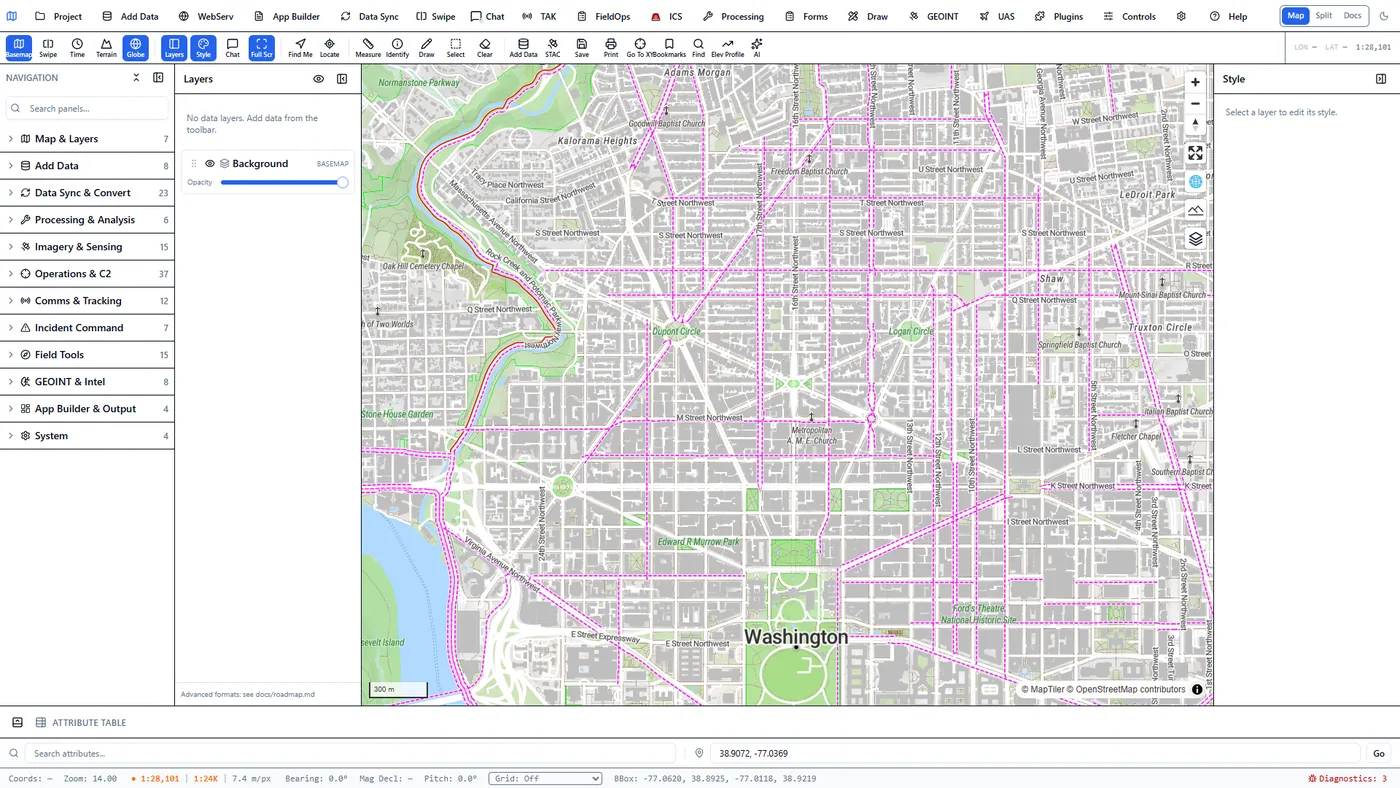
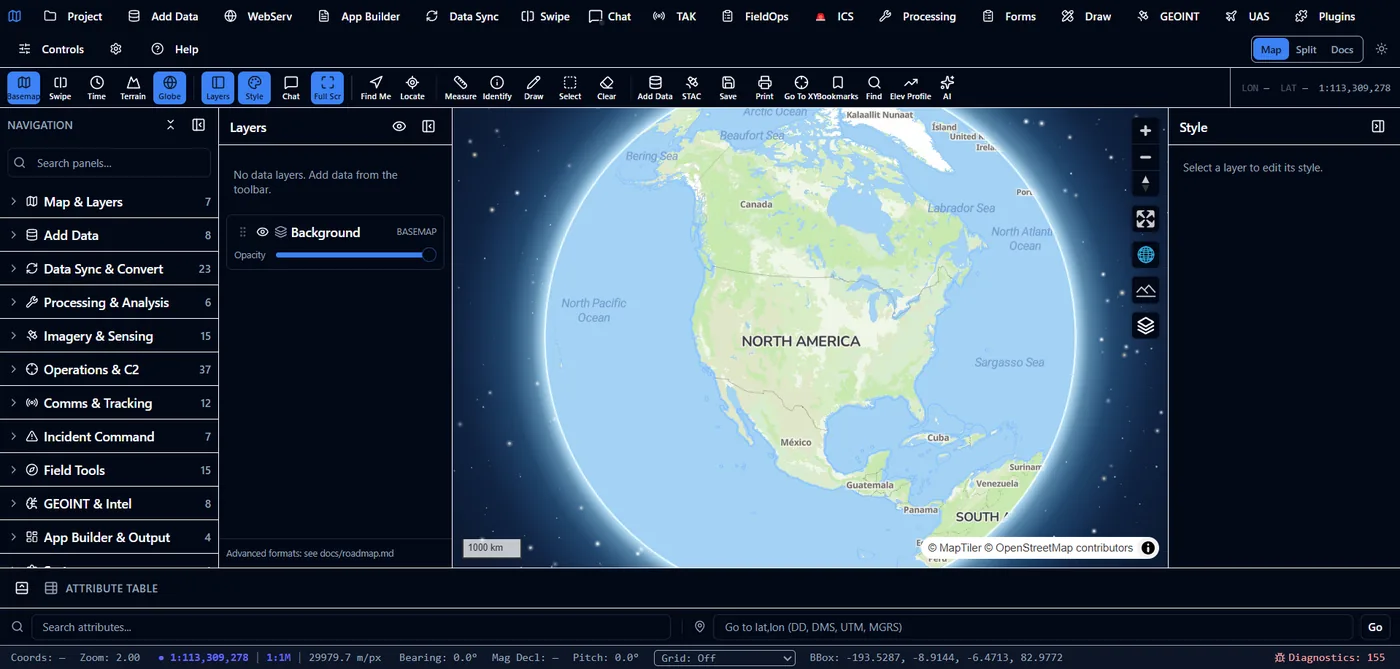
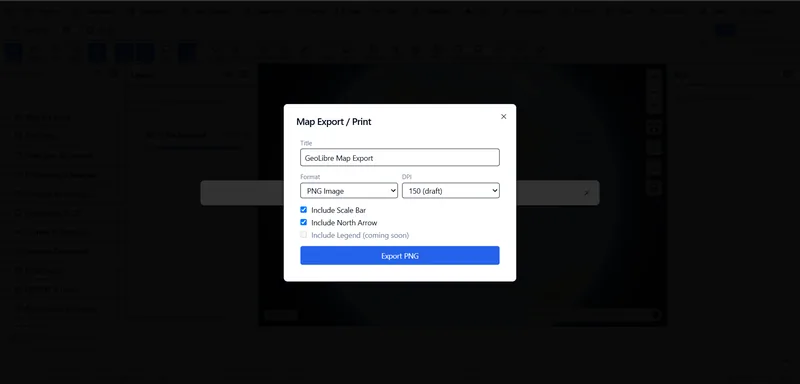
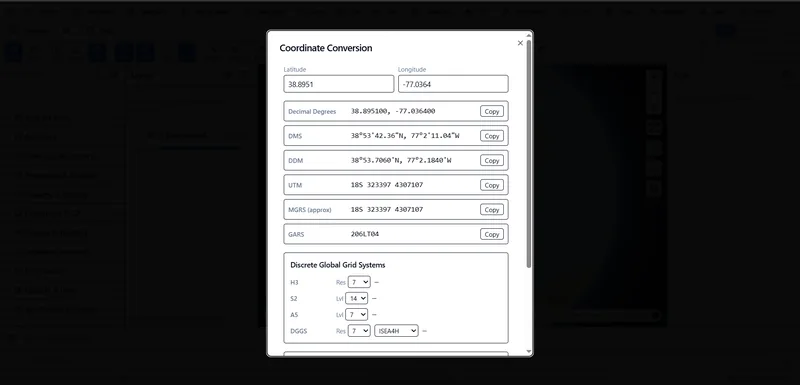
Beyond the engine's service surfaces, the client ships everyday map conveniences — saved views, exportable output, and coordinate conversion across the formats field teams actually use.
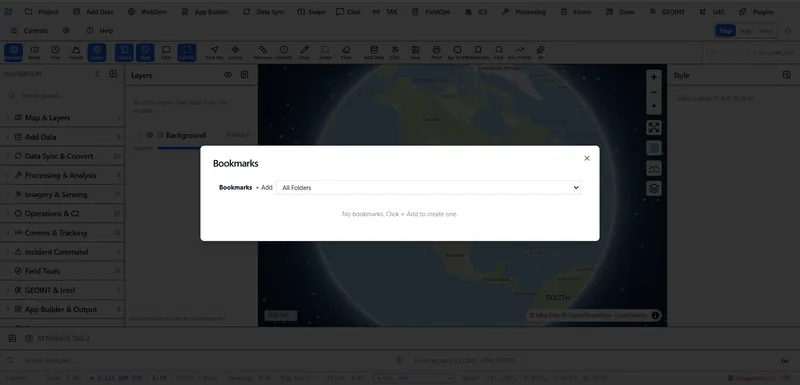
Saved locations organized into operational folders, with cinematic camera transitions between them — not a static jump cut.
3DGeoServEngine is a web platform. There is no Windows GeoServEngine installer. Open the hosted web client for dynamic MVT, imagery and FMV exploitation, live feeds, GeoAgent, and the service plane. Want a native desktop app for Windows, macOS, or Linux? That is Field Sentinel.
The engine gained event-driven data layers, a guided MCP integration experience, cloud-filesystem export, and a secure multi-user web deployment this cycle. Each links to the relevant feature page.
Author SQL rules over attached data files and fire alerts when rows match. DuckDB events lifecycle signals re-evaluate rules near-instantly, with a poll fallback when the extension is unavailable.
One-click presets for QGIS, ArcGIS Pro, the filesystem, Git, GitHub and DuckDB MCP servers get GeoAgent driving external tools in minutes. Socket, HTTP and stdio transports all supported.
Explore the wizard →Export query results directly to SharePoint, OneDrive, Google Drive, Dropbox, SFTP or a VPS through the bundled DuckDB cloudfs extension—no separate sync pipeline required.
Cookie-session auth plus optional OIDC SSO, a Portal app launcher, a sandboxed file manager, and a WebDAV mount—turning the server build into an ArcGIS-Enterprise-style platform.
Review the web platform →When a new collect arrives—by ingest, STAC discovery, or a folder drop—the engine matches it to a declarative pipeline, runs change detection and target or anomaly detection, persists structured results, and raises an alert. EO and SAR are both first-class; no one has to be watching.
Optical collects differenced against the prior, then ONNX YOLOv8 detection over changed pixels; alerts on a count threshold.
Sentinel-1, Umbra, Capella, ICEYE scene pairs run CCD and alert on a changed-area threshold; InSAR jobs produce displacement maps.
Three arrival paths publish one event; a STAC ticker backstops discovery. Pipelines are YAML, extensible without code.
The same backend as a Wails-free server binary behind systemd or a Windows Service—unattended in production, not just in a desktop session.
Use natural language in the application, run private models on controlled infrastructure, give Claude/GPT assistants reusable platform skills, or enable authenticated MCP access for external clients.
GeoAgent turns plain-language requests into visible tool calls across imagery, terrain, routing, statistics, hydrology and operations, then returns structured visualization hints.
See GeoAgent in action →Route text, vision and embeddings through Ollama, LocalAI or an approved OpenAI-compatible endpoint while keeping the geospatial contract stable.
Review model routing →Use Claude/GPT workflow skills for platform guidance, or enable the bearer-authenticated MCP server for live access to governed server capabilities.
Explore external AI access →Core service operation does not depend on a Tech Maven-hosted SaaS control plane. Choose native packages, containers or Kubernetes automation and connect the platform to the storage, identity, ingress and observability systems you already operate.
Deploy into an existing AWS, Azure, Google Cloud or other Kubernetes environment. Keep security groups, private networking, secrets, logs and cloud spend under customer governance.
Install a native binary, DEB, RPM or Alpine Linux APK package, or run the web and backend containers through Docker Compose behind the organization’s reverse proxy.
Stage GeoPackage, MBTiles, PMTiles, COG, models and web runtime assets on an edge node so mapping and supported analysis can continue through disrupted, denied, intermittent or limited connectivity.
Packaging note: APK means the Alpine Linux package format, not an Android application package. Kubernetes and Terraform automation targets an existing cluster; it does not claim to provision an entire cloud landing zone.
Each feature page documents the protocols, storage engines, processing paths and integration boundaries behind the product.
The service roadmap spans FeatureServer, MapServer, VectorTileServer, StreamServer, SceneServer and ImageServer alongside OGC APIs, STAC, CSW, WMTS, WCS, MVT and TileJSON. The endpoint matrix separates implemented surfaces from partial dispatchers and integration targets.
See operations and status →Generate view-dependent MVT from live DuckDB spatial queries. Query S3, GCS, Azure Blob, OneLake and HTTPS sources with predicate pushdown, then expose governed results as reusable map services.
Inspect the data paths →Normalize TAK, IoT, GNSS, MQTT, Redis, Kafka REST and WebSocket feeds; apply geofence and threshold rules; serve I3S, 3D Tiles, LiDAR, splats and full-motion video workflows.
Explore operational services →Execute geospatial tools from natural language, run private model services, connect external agents, and use browser or server Python for exploratory and reproducible analysis.
Explore the AI architecture →Extend the browser with GeoLibre plugins, add core service packages, call the REST and WebSocket surface, or attach isolated Python and external microservices without forking the core.
Choose an extension seam →Use native Linux packages, lean or full Docker images, Compose, Helm/Kubernetes and Terraform modules for existing generic, EKS, AKS and GKE clusters.
Review deployment boundaries →Inventory services, preserve endpoint contracts, move data and databases, reconstruct web maps and forms, modernize applications and operate staged cutovers with measurable acceptance criteria.
Review delivery packages →Traditional GIS publishing frequently produces platform-specific service definitions and prebuilt caches. 3DGeoServEngine can keep the source in an open database, object store or portable file and create the client-facing representation at request time.
The advantage is not merely having more endpoint names. It is keeping multiple interfaces synchronized over the same source, minimizing duplication and letting teams choose clients independently.
DuckDB ST_AsMVT() creates tiles for the requested view. Edits and database updates can appear without rebuilding a static pyramid.
The HTTP range-reader component can fetch only required COG byte ranges. Wiring general remote registration into ImageServer operations and validating it in consuming clients is a stated integration target, not an unqualified availability claim.
A virtual collection can be accessed as OGC API Features, Esri-compatible FeatureServer and dynamic MVT instead of maintaining three copies.
The same backend runs as a native binary or container and can operate against local staged data when cloud access is unavailable.
GeoAgent and the opt-in MCP server discover the same schema-described platform capabilities while retaining distinct authentication and interaction boundaries.
Deploy with production Kubernetes controls, reusable infrastructure modules, GitHub or GitLab pipelines, multi-architecture images, SBOMs, signing and checksums.
Use GeoLibre/MapLibre, the ArcGIS Maps SDK, custom clients, browser Python, server Python or other external services without changing the service contract.
3DGeoServEngine implements and consumes documented service patterns so existing GIS clients and applications can transition incrementally. Compatibility should be validated against each organization’s actual layers, editing workflows, renderers, security rules and extensions.